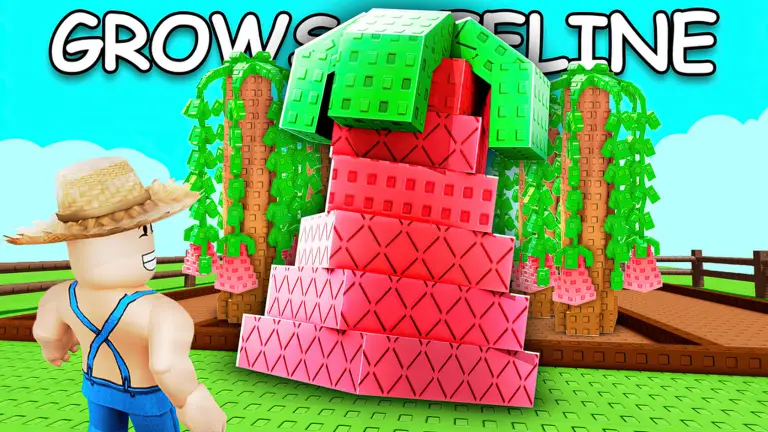

Grow a Garden
What a fruit sells for in the original Grow a Garden depends on four things: the crop's base value, how heavy the fruit is compared with the crop's base weight, its variant and its mutations. This page explains the formula the wiki publishes and links to the tools built on it.
The calculation is 20 x 109 x 20 x 4². 1.1 kg is four times the Carrot's base weight.
Sell value calculator
Pick a crop, enter the weight, choose the variant and mutations
Crop values (598)
Base value, base weight and huge chance of every crop, sortable
Mutation multipliers (195)
Every mutation with its multiplier, the stacking rule and fusion recipes
The four parts of the value
- Base value and base weight are set per crop. Carrot is 20 Sheckles at 0.275 kg. The crop table has all 598.
- Weight counts as a ratio to the base weight, squared. Under 0.95 times the base weight the fruit sells for the price floor, 0.9025 of the base value.
- A fruit has one variant at most. The multipliers are in the table below.
- Mutations add up above x1 (195 of them, the highest is Goldsparkle at x500). The sum is then multiplied by the variant.
Variant multipliers
| Variant | Multiplier |
|---|---|
| Normal | x1 |
| Silver | x5 |
| Gold | x20 |
| Rainbow | x50 |
| Diamond | x50 |
| Jelly | x50 |
| Ember | x60 |
Codes and guides
- Codes: active and expired
- How heavy must a crop be to sell for 1,000,000 Sheckles?
- Grow a Garden crop tier list by value
- Grow a Garden weather and the mutations it gives
- Grow a Garden pets: rarity, eggs and abilities
- Grow a Garden eggs: hatch odds for every pet
- Player count and daily history
Questions
How is the sell value of a fruit calculated?
The wiki gives: value = round(Base Value x Mutation Multiplier x Variant Multiplier x clamp(Weight / Base Weight, 0.95, 100000000)^2). The weight ratio is squared, so a fruit twice its base weight is worth four times as much. Below 0.95 times the base weight the ratio stops counting and the fruit sells for the price-floor value.
Do mutations multiply each other?
No, they add up above x1: the mutation multiplier is max(1, 1 + sum of (m - 1)). Shocked (x100) and Frozen (x10) give x109, not x1000. The variant (Normal, Silver, Gold, Rainbow and so on) is a separate factor that does multiply the result.
Is this the original Grow a Garden or Grow a Garden 2?
The original game only. The numbers come from the original game's wiki, and Grow a Garden 2 uses a different formula.
What is not covered?
The wiki says crops with the Honey trait use log10(10 + Variant Multiplier) for the variant, and that fruits pass through an additional value curve afterwards. It does not publish that curve, so the calculator uses the standard formula only. Very high results may differ in the game. Mutation fusions (for example Wet or Drenched plus Chilled turning into Frozen) are not applied automatically.
Source: Grow a Garden Wiki: Module:Crop Data (rev 153244, Oct 10, 2026), Mechanics (rev 153550, Oct 15, 2026), Crop Mutations (rev 153516, Oct 13, 2026). Licence: CC BY-SA 3.0. Numbers were restructured and recalculated here; the text is our own and no wiki images are used. Changes were made. This is the original Grow a Garden, not Grow a Garden 2. Not affiliated with Roblox Corporation or the developers of Grow a Garden.